Also from the publisher
One records what you own.
One records what you wear.
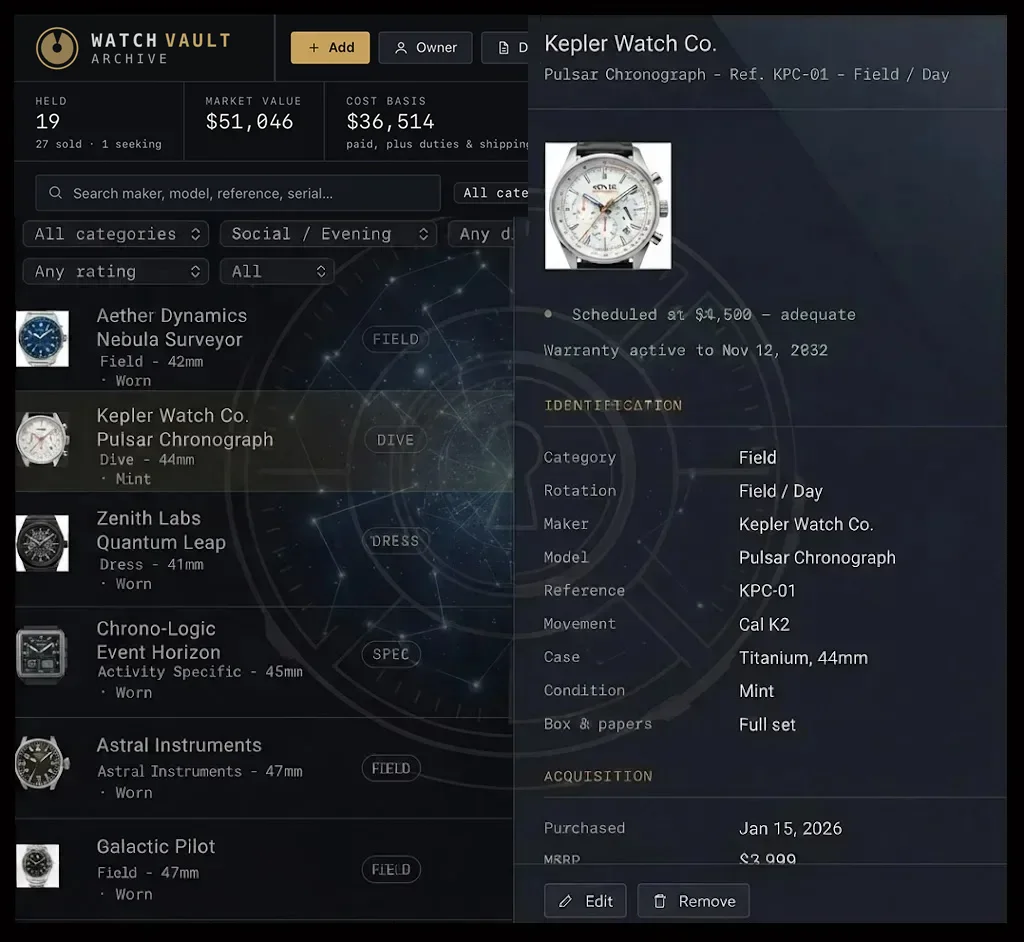
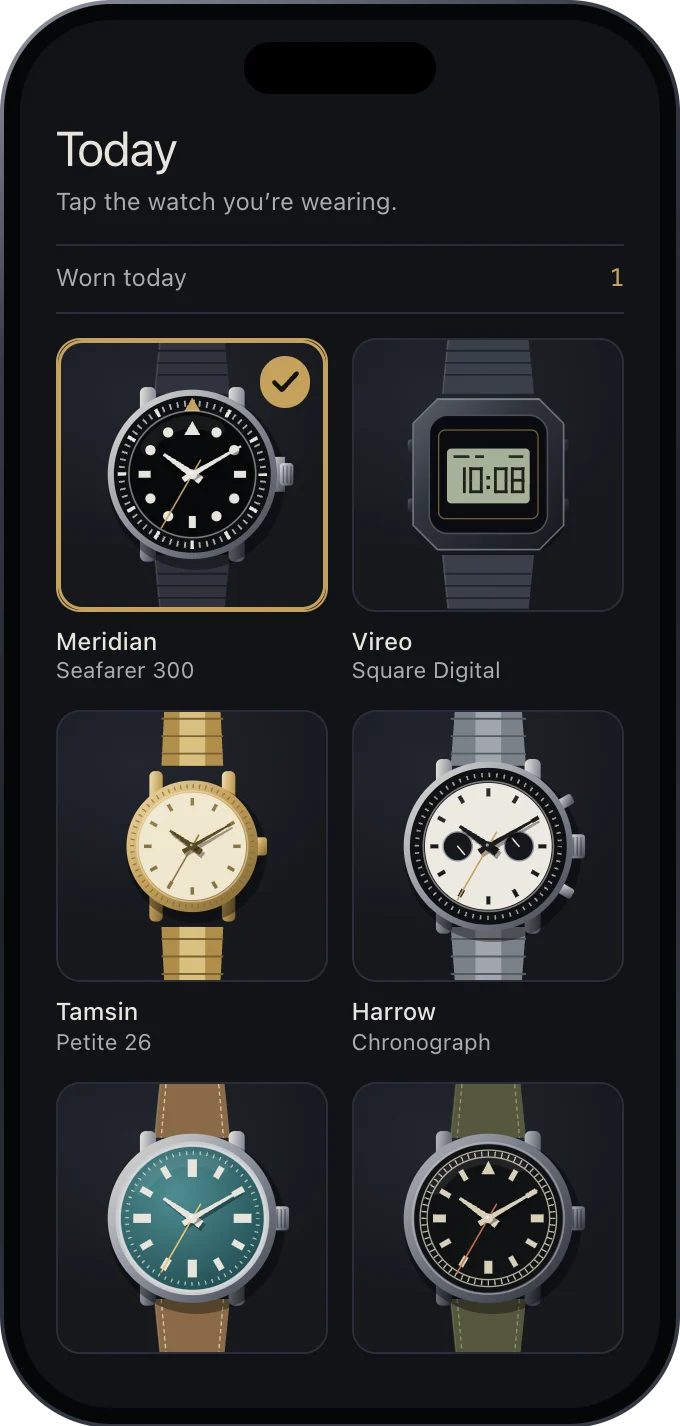
Watch Vault Archive is the record of your collection: purchases, service history, insurance, provenance and documents, encrypted on your own computer. Watch Vault Tracker is the record of your wrist: which watch you wore, and when.
Watch Vault Tracker, for iPhone, iPad and Mac: free for 30 days, then $4.99 once; after that, only adding a new watch needs the licence. Coming Early 2027.
Why two apps, not one.
A collection is documented a few times a year, at a desk: a purchase, a service, an insurance renewal. A watch is worn every day, away from the desk. Each app is built for one of those. Neither requires the other, and neither unlocks anything in the other.
Your watches, as photographs. One tap records the one you are wearing.
Every day you wore a watch, on a calendar.
What you wear most, and what has not been worn lately.
The app never asks who you are, and sends nothing to us. We hold no copy of your watches or your wearing records.
Details, the privacy policy and the terms for Watch Vault Tracker are on its own website.
They never connect. A list of watches travels as a file.
When you want the same watches in both, you move a list yourself, in either direction.
In Watch Vault Archive, Export for Watch Vault Tracker makes a file with each watch’s maker, model, reference, category, status and one photograph. It holds no serial numbers, values, insurance details, documents or notes. Unless you lock it with a password when you export, anyone who opens the file can read it, so delete it once the Tracker has it.
Open the Tracker’s file with Import from Watch Vault Tracker. Watch Vault Archive adds only the watches it does not already hold, each with its photograph and status, and changes nothing already there. It shows you the numbers before anything changes.
Stay in Watch Vault Tracker. They are never part of either file.